Appearance
Commands and Examples
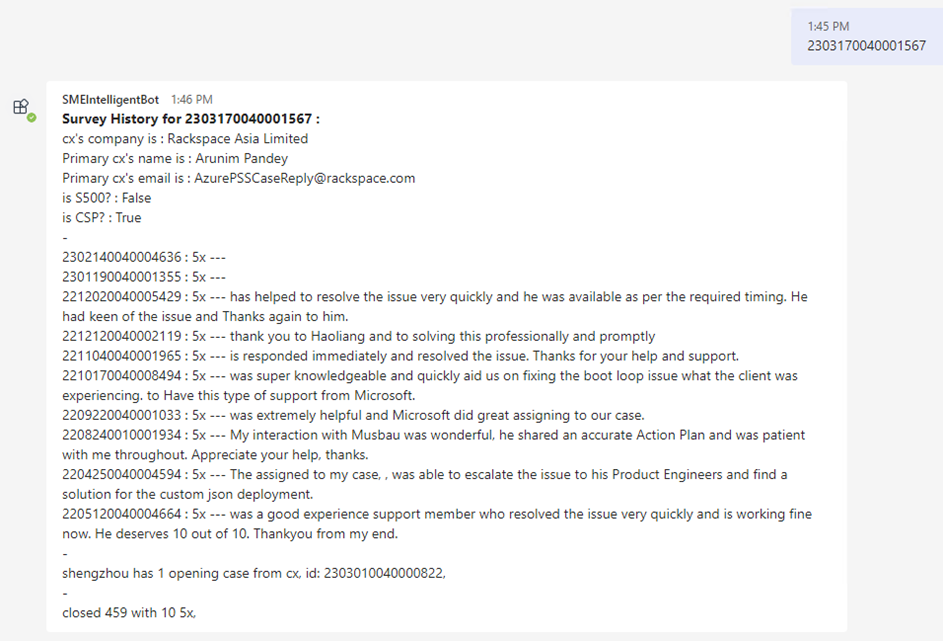
Survey History
TIP
- Survey source is
cluster('supportrptwus3prod.westus3.kusto.windows.net').database('KPISupportData').CSATDataVNext
- Description: Provide customer history experience.
- Command:
<case-id>
WARNING
- By default, The Bot use a global MSaaS token contributed by an engineer to retrieve customer's email address by case Id, which is a POST-JIT data. However, the engineer is not that powerful to view all cases, e.g. no permission to view email address of a restricted case. In such case, survey via caseId mode will fail. You may see Enable Your Own Authentication to improve this scenario.
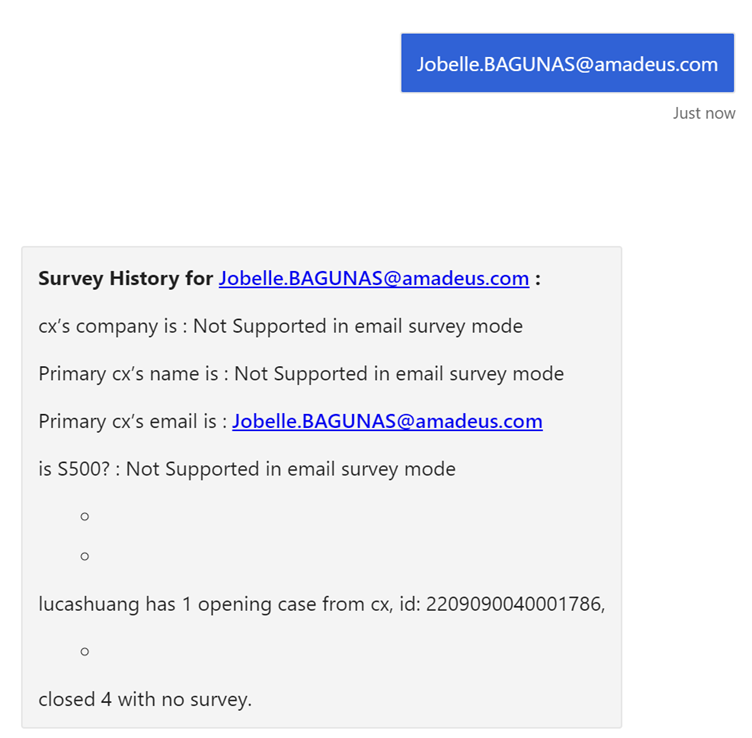
- Command 2:
<customer's email address>
WARNING
Please note that customer's email address is case sensitve. e.g. abc@microsoft.com and ABC@microsoft.com are considered as two different customers, as this is designed by MSaaS.
Case Assignment (Not Real Assignment)
Description: Virtually assign a case to an engineer (The ownership is not changed, but notification and other related event-based features will be triggered, e.g. Auto Case Record to Excel Sharepoint.).
Command:
assign <case/collab-id> to <alias>

Check customer's phone number
Description: Some cases do not contain customer phone numbers, but it may be there in the previous cases, e.g. Sev A cases must have a phone number.
Command:
phone <case-id>

Check history cases
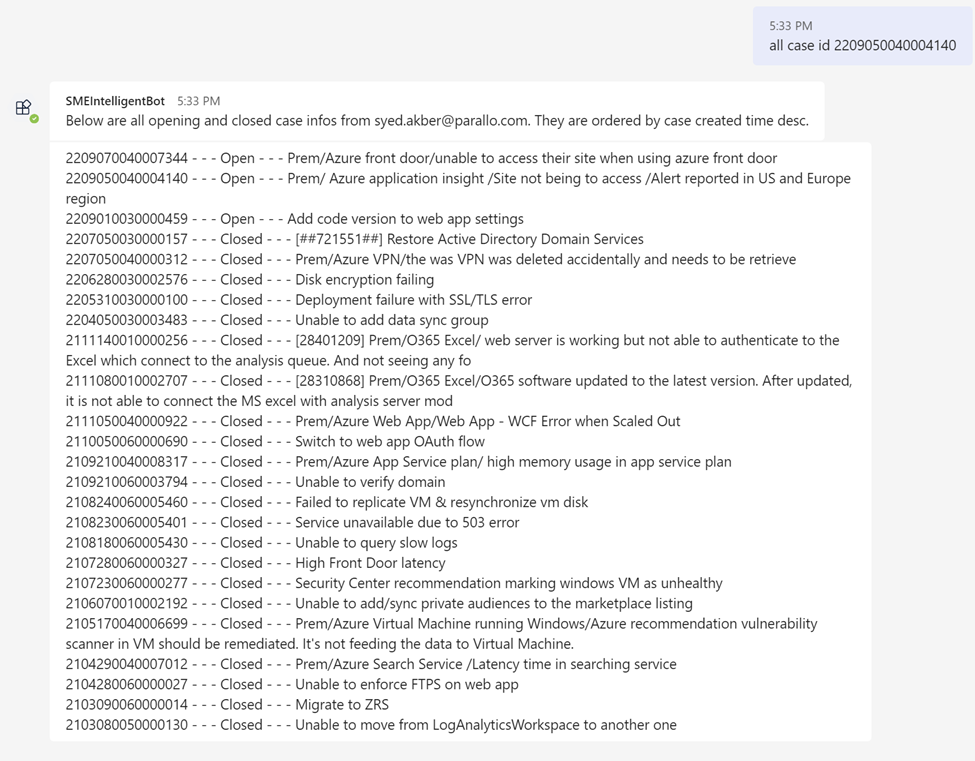
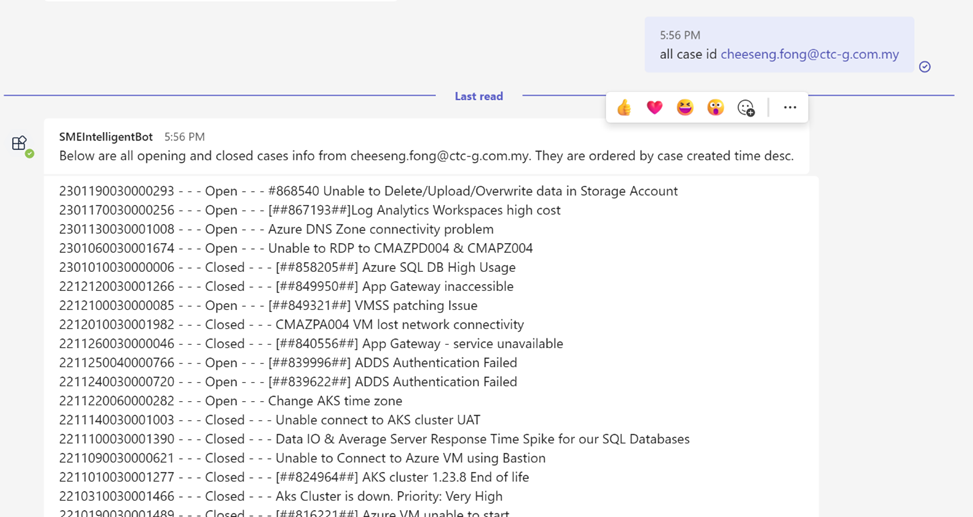
Description: Check all history cases from the case of the same customer
Command:
all case id <case-id>
- Command 2:
all case id <customer-email-address>
Check Holiday Info of the day
Note
You need to onboard to feature Global Holiday to set country list for your Team.
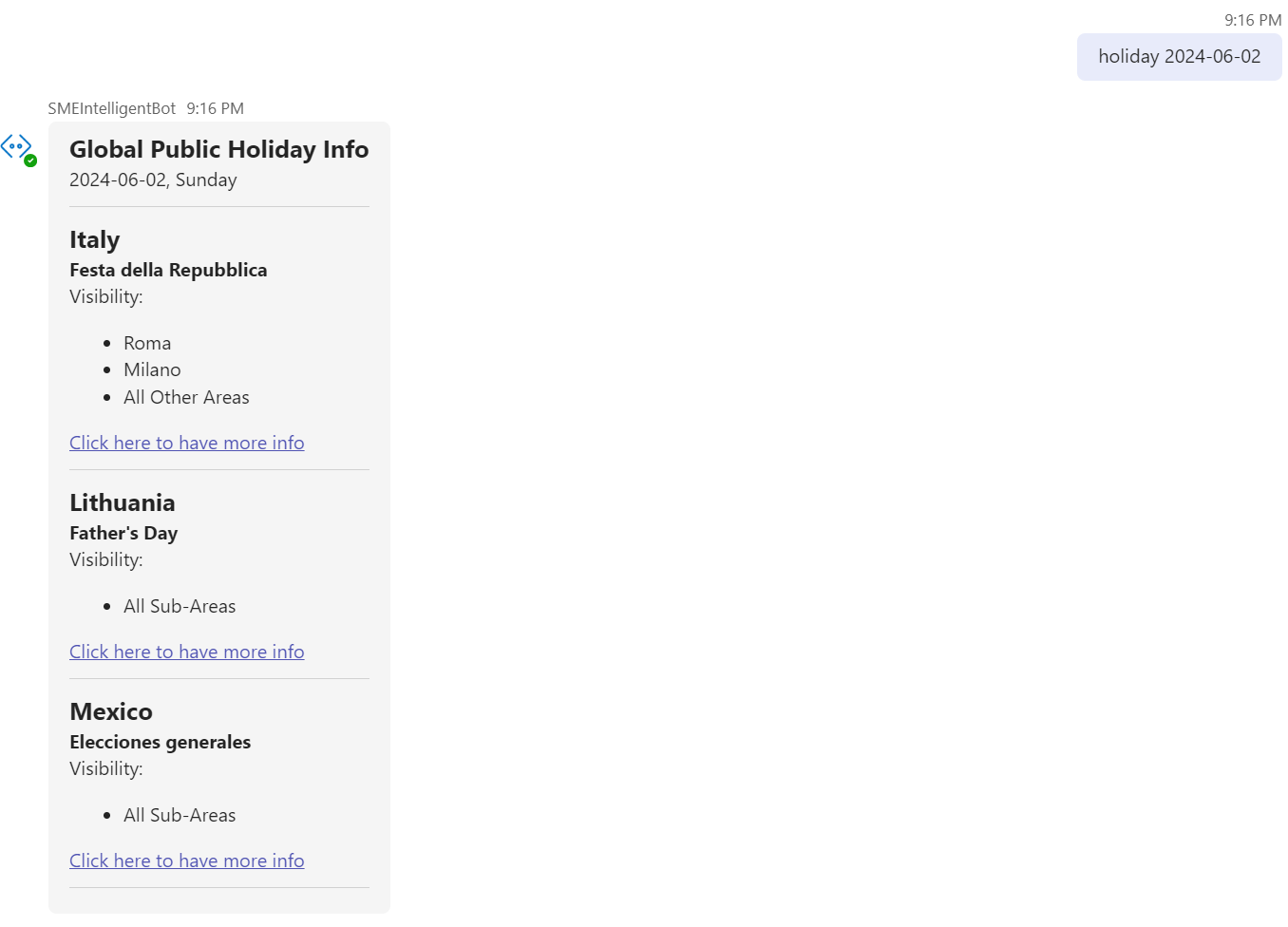
Description: Returns public holiday information of the day.
Command:
holiday [date]
Check Shift Status
Note
You need to onboard to feature Shift Notification before using this command.
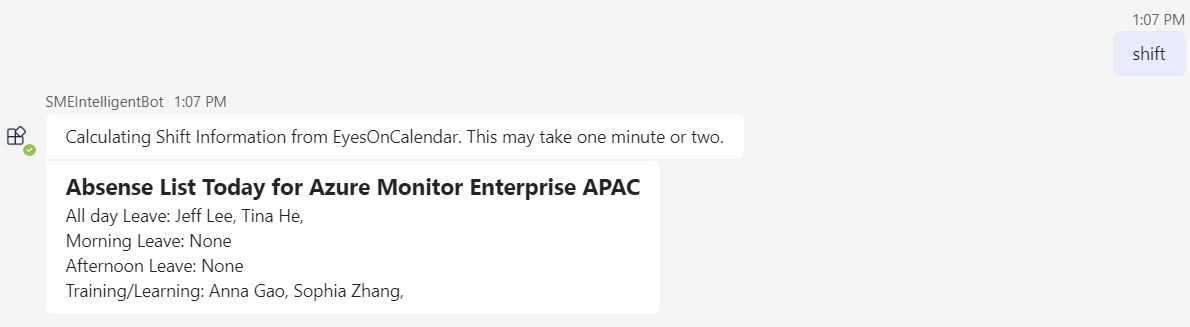
Description: Manually check the current shift status. It is obtaining data from EyesOnCalendar real time.
Command:
shift
Check self survey
TIP
- Survey source is
cluster('supportrptwus3prod.westus3.kusto.windows.net').database('KPISupportData').CSATDataVNext
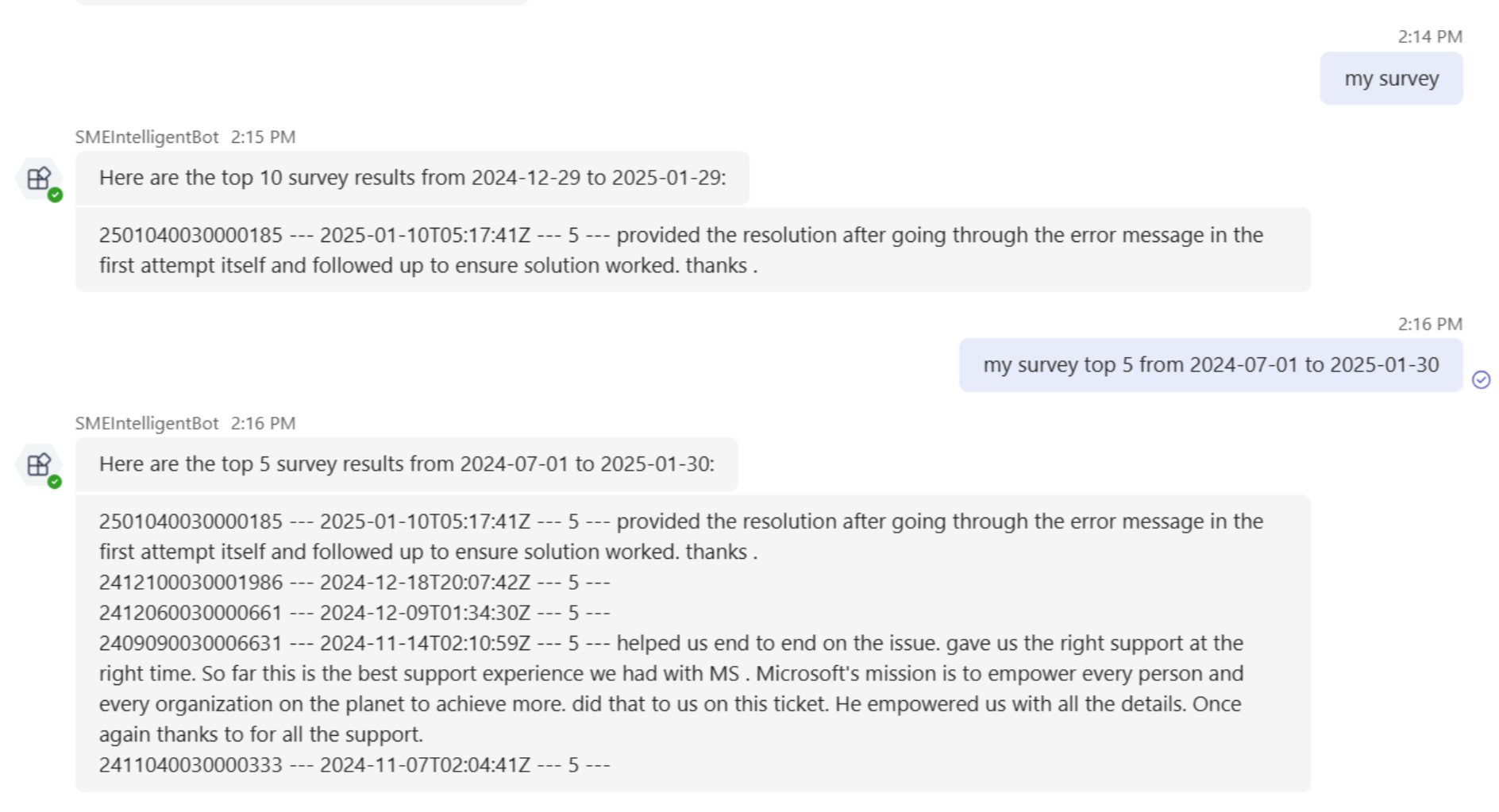
Description: Manually check the recent survey of yourself.
Command:
my survey [top <number>] [from <yyyy-MM-dd> to <yyyy-MM-dd>]
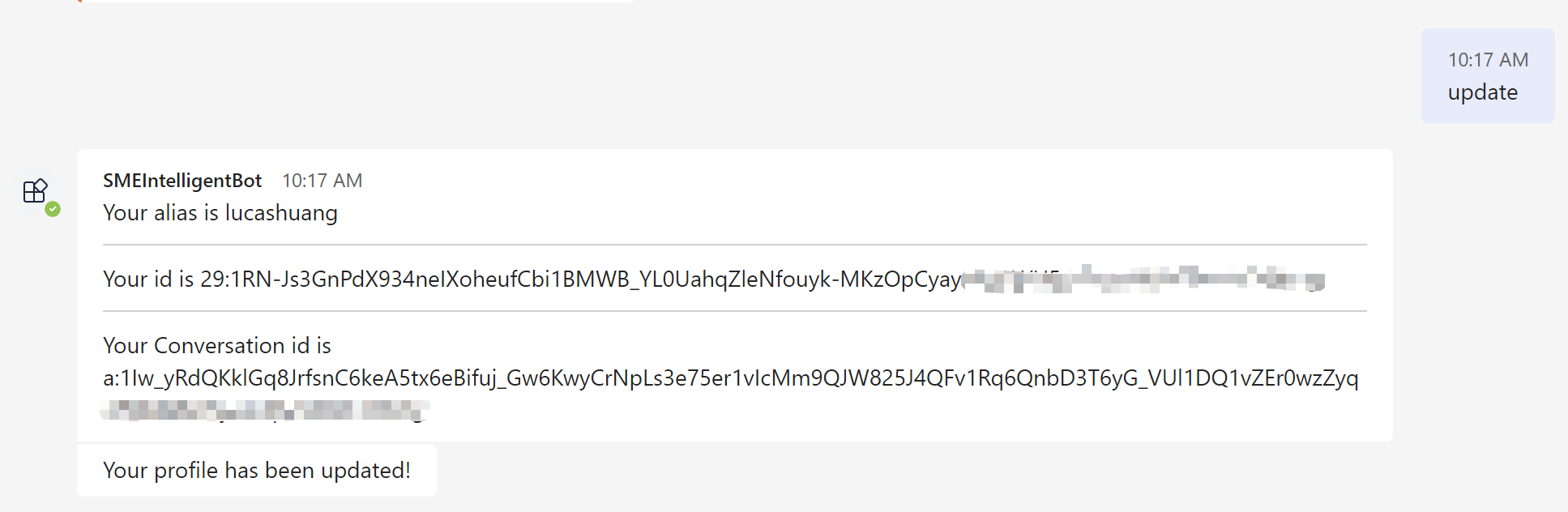
Update user profile
Note
This command can only take effect on personal accounts.
Description: Update your personal user profile. Especially useful when you can not receive a proactive message.
Command:
update