
Appearance
Commands for Team Management
Create a Team
Note
This commands needs you to have a real TA/Manager job title.
Team name is case-sensitive.
- Description: User with TA/Manager job title can create a Team in Bot.
- Command:
create team with name

Add users/group chat/channel to your team
Please refer to here
List my Teams
Description: Check the team(s) you are in.
Command:
list my team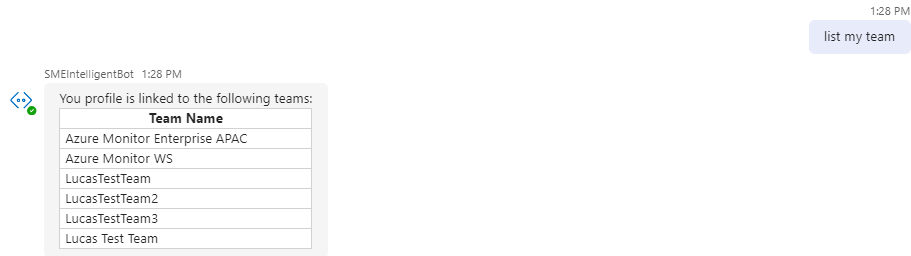
List my team members
Description: Check your team members, and if this is their main Team.
Command:
list my team members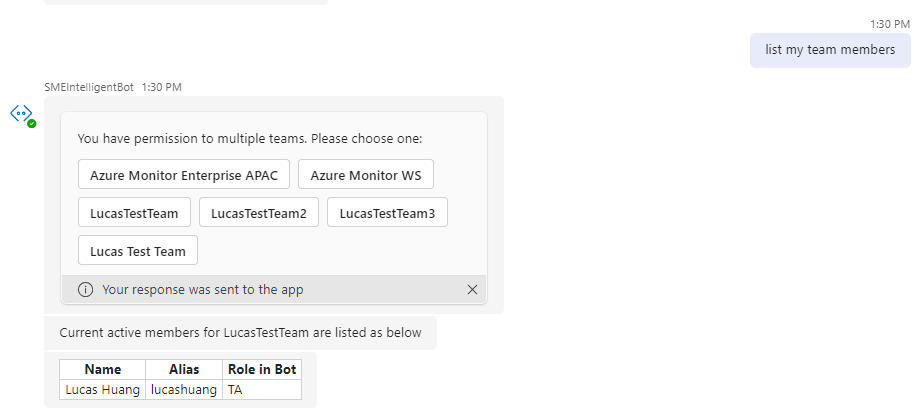
Change users role
Note
This commands needs you to have a TA role in Bot.
Description: Change users role to either
TAorSE.Command:
assign <role-name> role to <alias1>, <alias2>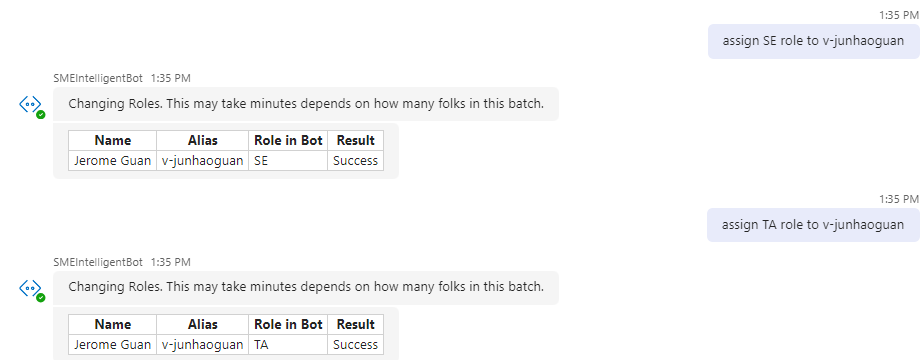
Remove users from your team
Note
This commands needs you to have a TA role in Bot.
For removing groupChat/channel, please replace <alias> with groupchat,channel. E.g. remove groupchat, channel from my team .
Description: Remove user(s) from your team.
Command:
remove <alias1>, <alias2> from my team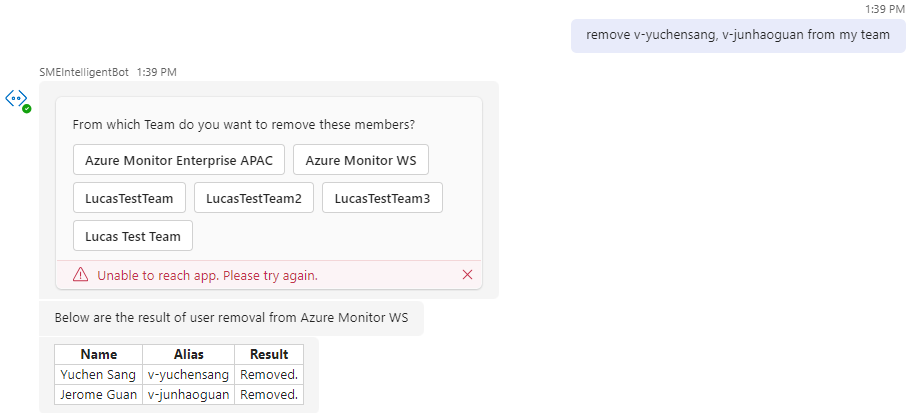
Set main team for users
Note
This command needs you to have a
TArole in Bot.You must be a member of the target team.
Description: Batch set the main team for one or more users to the specified target team. This is useful when users transfer between teams.
Command:
set main team to <teamName> for <alias1>,<alias2>,...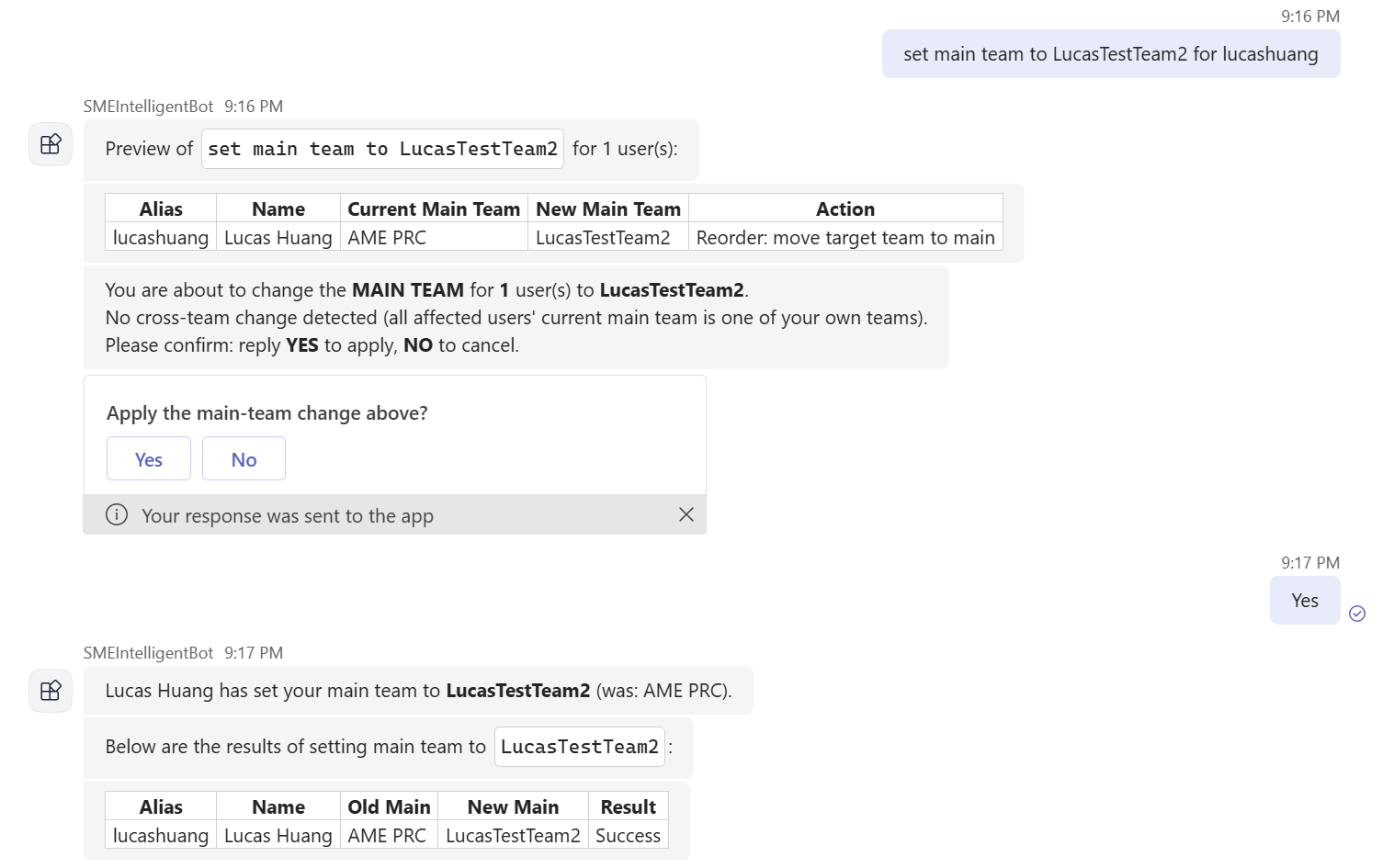
Team rename
Please send a request to smebotdl@microsoft.com to rename your Team.