Appearance
Commands for Feature Management
You can use below feature management commands to manage Event Based Features and Schedule Based Features
TIP
Below commands will start a dialog until the workflow finishes. The dialog ends if no activity in 3 minutes, or you can use cancel to manually end the dialog.
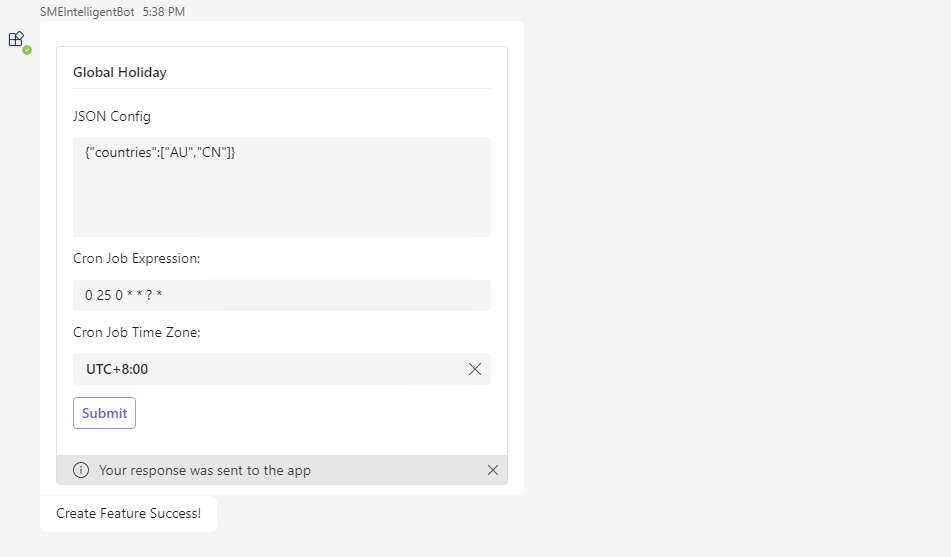
Enable a feature
- Description: User with TA role in Bot can enable a feature for the Team.
- Command:
enable feature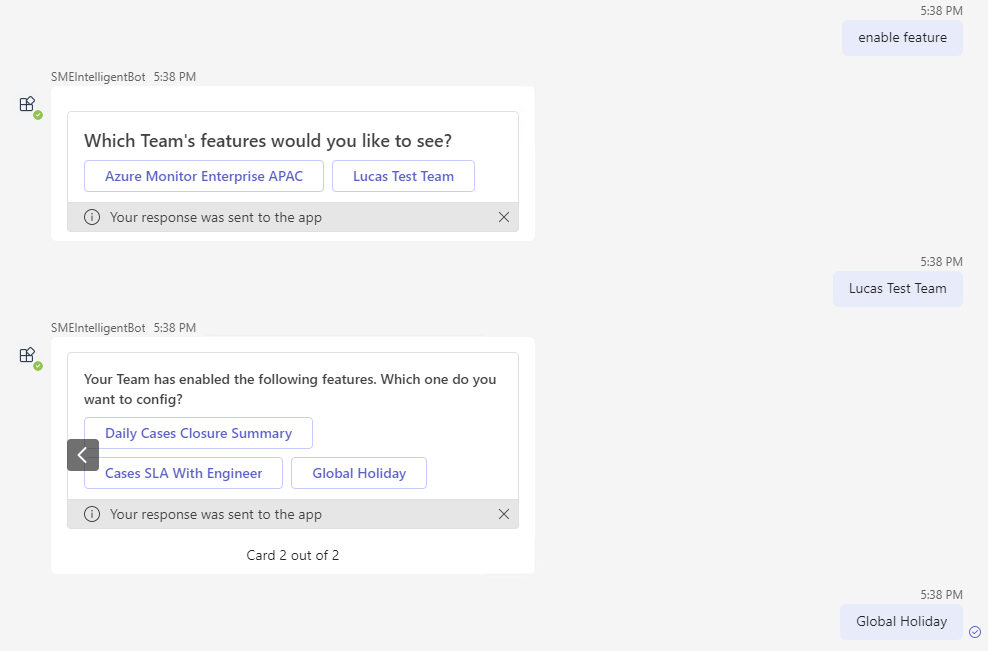
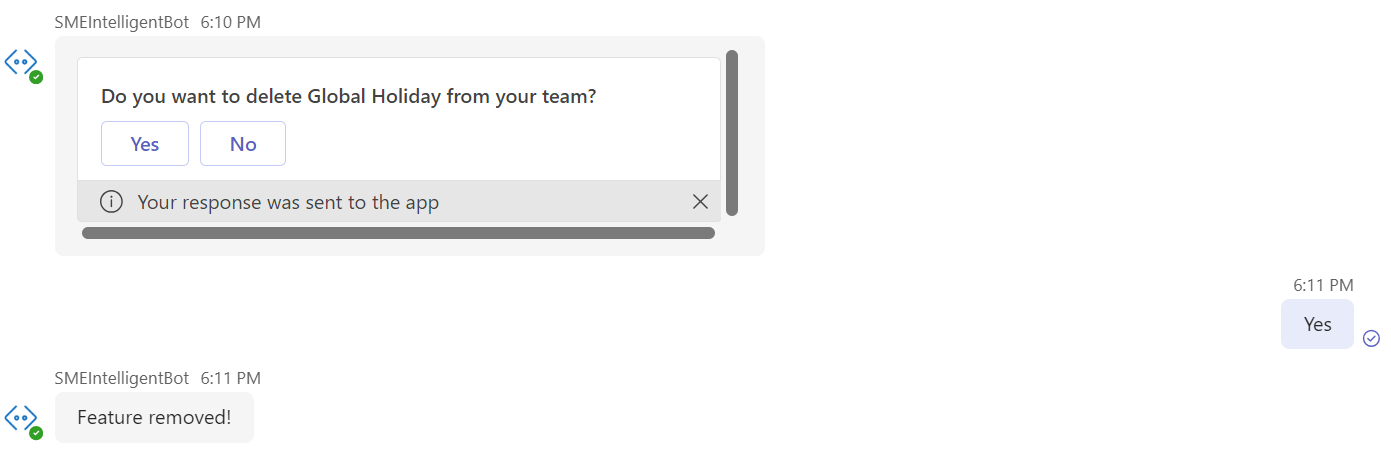
Remove a feature
- Description: User with TA role in Bot can remove a feature for the Team.
- Command:
remove feature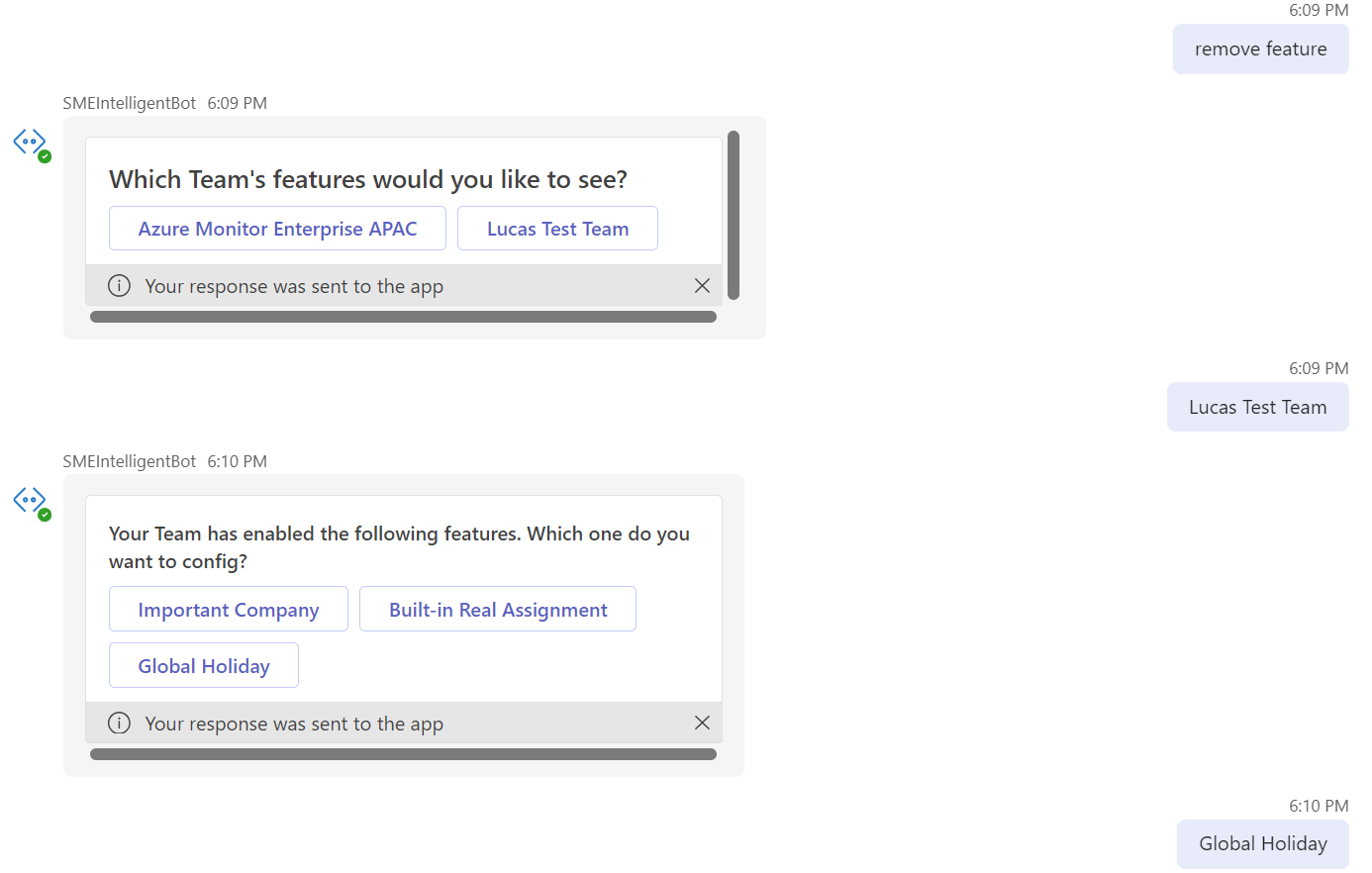
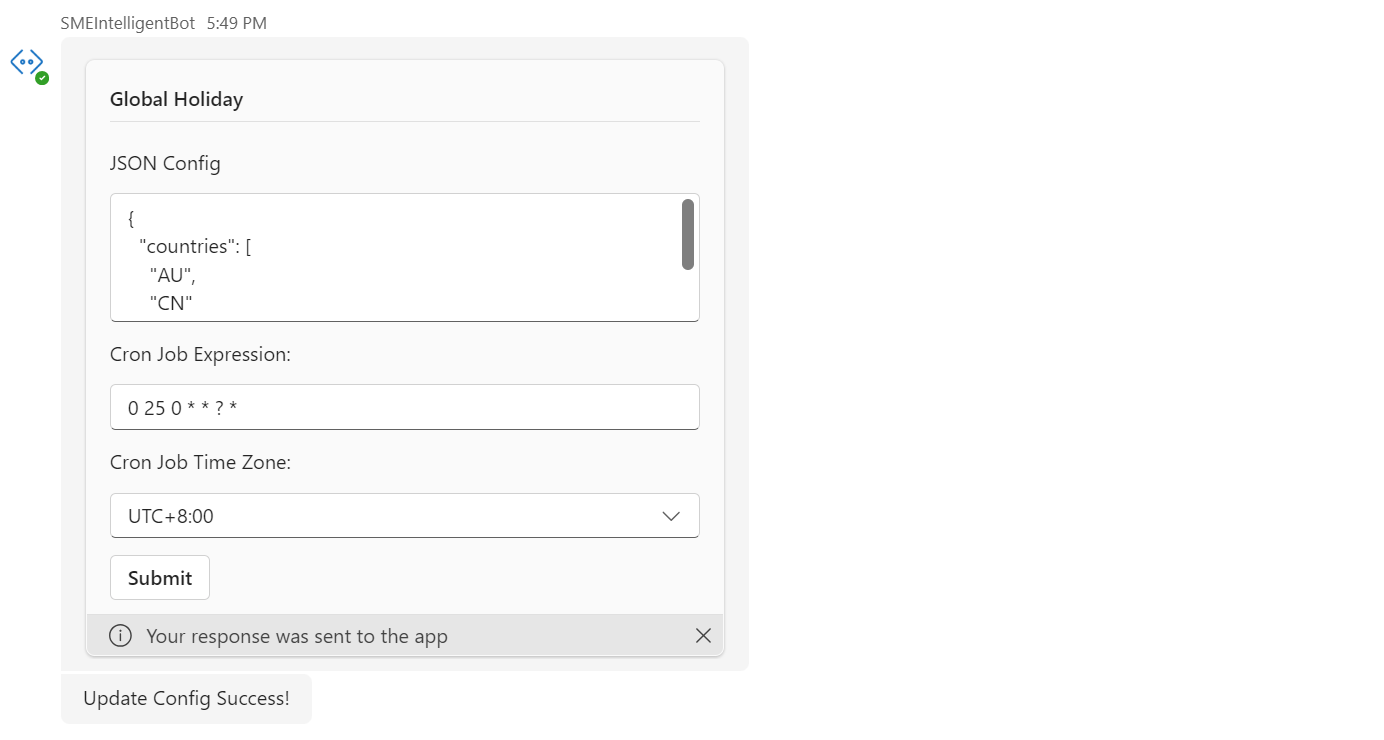
Update a feature
- Description: User with TA role in Bot can update a feature for the Team.
- Command:
update feature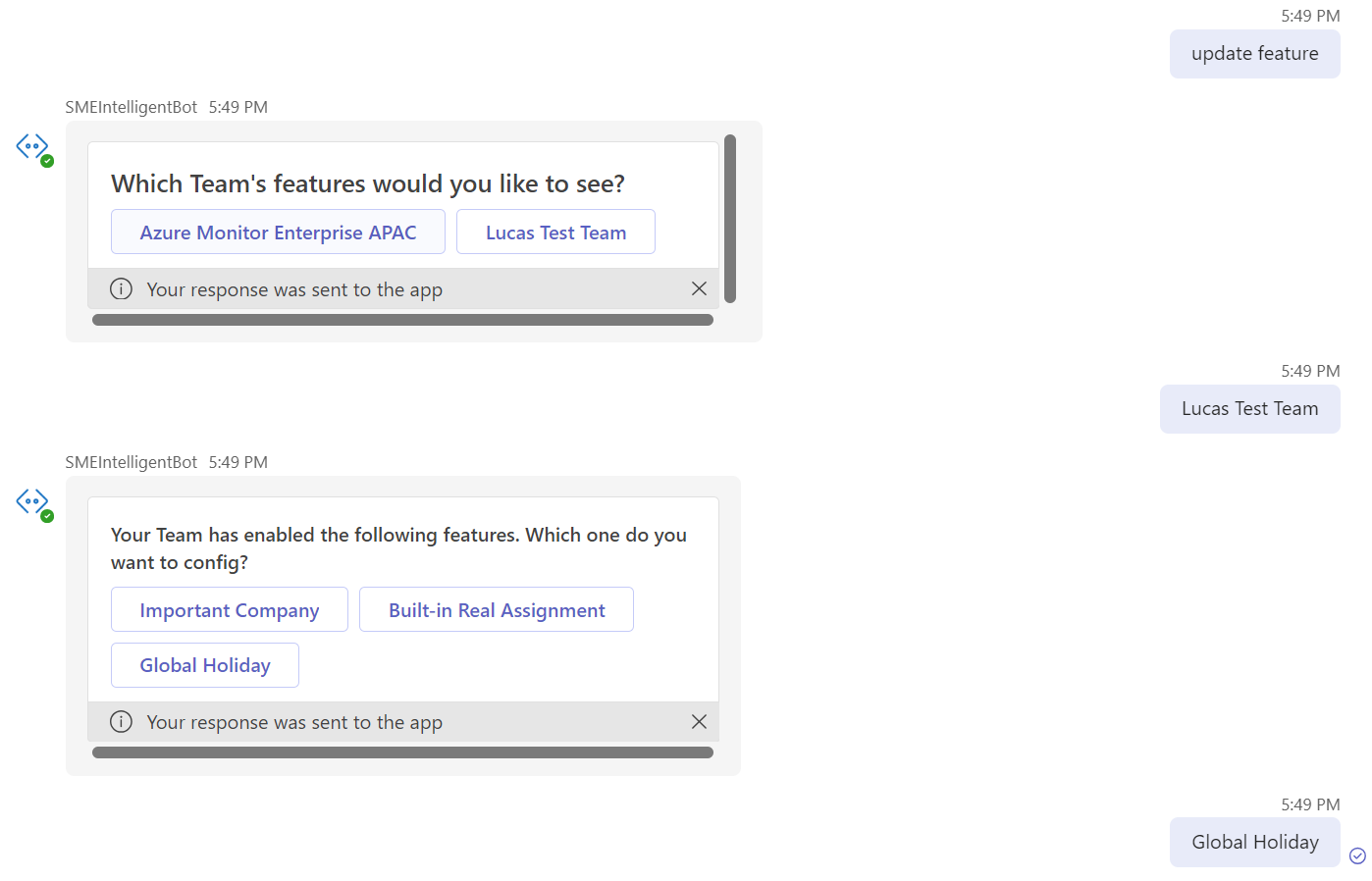
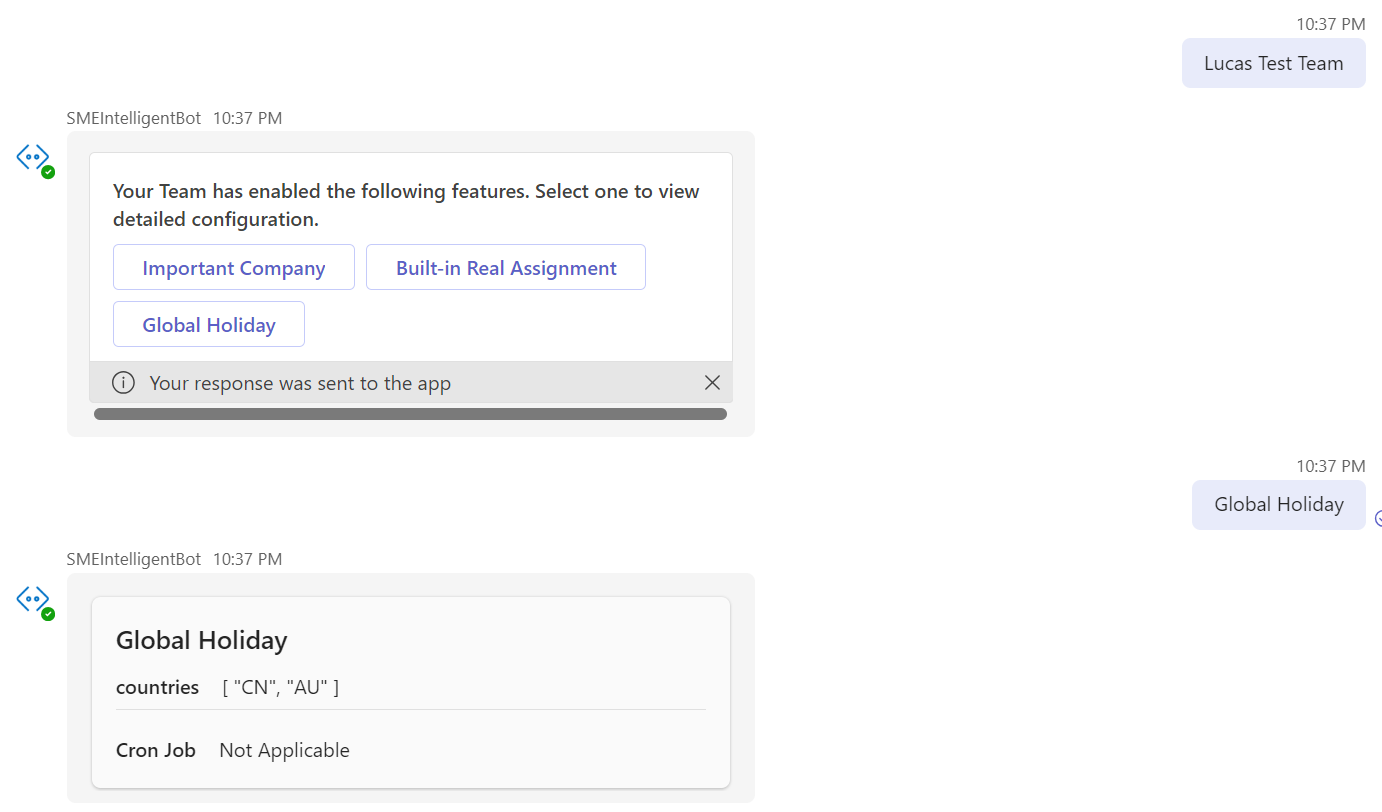
check details of a feature
- Description: User can view a feature details for the Team.
- Command:
list feature